
Names of the keyboard and punctuation symbols people ask about
Most searches for what is this called come from someone staring at a mark in a text, a code snippet or a keyboard. The mark almost always has a plain one or two word name. These come up most.
| Symbol | Name | Where you see it |
|---|---|---|
| @ | at sign | Email addresses and social media handles |
| : | colon | Before a list or example, and between hours and minutes |
| - | hyphen | Joining words, as in well-known |
| _ | low line, or underline | Usernames and file names, where spaces cause trouble |
| ( ) | parentheses, or round brackets | Asides in a sentence, and grouping in math |
| < > | angle brackets | HTML tags, and less than and greater than signs in math |
| # | pound sign, hash or number sign | Hashtags and phone keypads |
| / | slash, or forward slash | Web addresses and either/or choices |
| \ | backslash | Windows file paths |
| & | ampersand | Standing in for and, as in company names |
| * | asterisk | Footnote marks and wildcards in searches |
| ~ | tilde | Top left of many keyboards, and over letters like ñ |
| [ ] | square brackets | Added words inside a quotation |
| { } | curly brackets, or braces | Code and sets in math |
| | | vertical bar, or pipe | Separating options or items in a row |
Names shift with region. Americans usually say parentheses and pound sign, while British speakers say round brackets and hash. Both are right. If a tutorial uses a name you do not recognize, check which country wrote it before you assume it means a different symbol.
Why the hyphen, the minus sign and longer dash marks get mixed up
The short line on your keyboard near the zero is a hyphen. It joins words and splits them across lines. Typesetters also use longer dash marks, and the minus sign in math is its own character that looks almost the same. A keyboard gives you only the hyphen, so it ends up doing all those jobs.
Angle brackets cause a similar mix-up. The same two keys are called less than and greater than signs in math, and angle brackets when they wrap an HTML tag. Same character, different job, different name.
Marks that are not on any keyboard, such as dashboard lights, laundry tags and recycling symbols, need a different approach. Marks like those are handled in the symbol identification page.
Dealing with a physical object you cannot name
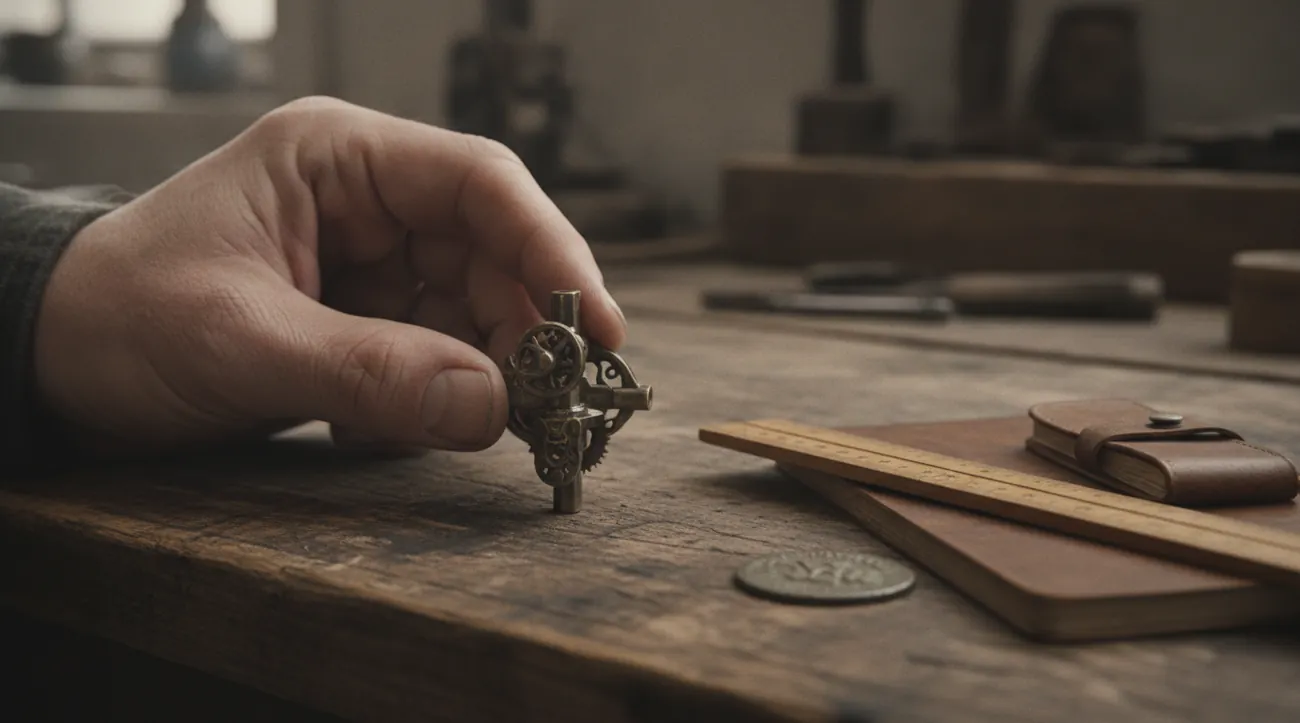
The words alone tell nobody anything about your object. A good photo or a precise description does. So the job is to produce one of those, then use it to find the word.
Photographing an unknown object so it can be named
- Photograph the whole object in good, even light. A harsh lamp washes out color and texture.
- Take close-ups of labels, logos, symbols, seams, connectors and any marking.
- Place a coin, a tape measure or a ruler beside it so the size is clear.
- Shoot several angles, including the back and the underside. The identifying mark often sits where you did not look first.
- Crop out unrelated background objects.
- Send the photo through the uploader beneath the title for a likely name and how sure the AI is.
- Search the guessed name together with a distinctive detail, such as color, dimensions, model number, connector type or year.
- Check the name against at least two authoritative sources. A manufacturer, a museum, a scientific database, a government agency or a qualified expert all count.
Which visual details help most
Some details do far more work than others.
- Shape and outline, plus size relative to something you can measure.
- Material and texture, such as metal, plastic, glass, wood, fabric or fur.
- Printed text. Model numbers, serial numbers and labels can settle the question by themselves.
- Functional parts like connectors, fasteners, hinges, openings and controls.
- Construction details, including seams, edges, joints, teeth, vents and mounting points.
- For living things, leaves, flowers, fruit, bark, body markings, habitat and where you found it.
- For cars, the badge, grille, headlights, taillights and wheel design.
- For clothes and bags, brand marks, stitching, closures, hardware and label layout, and for footwear, our guide to identifying unknown shoes applies.
If the object is a loose component, the page on naming an unknown part goes deeper on connectors and fasteners. For something you hold in your hand and use, try identifying an unfamiliar tool. If the only clue is a mark on the side, start with figuring out which logo it is, because a logo names the maker but not always the model. For a stray game piece or a screenshot, try identifying a video or board game.
Tools that can put a name to a photo
Three tools cover most everyday cases, and each is good at something different.
Google Lens. Point the camera, pick a saved picture or use a screenshot, and Lens tries to put a name on the object, product, plant, artwork or landmark in it. It can also return manufacturer, price and purchasing information when that is available. Adding a few words of text helps when the first results are off.
Apple Visual Look Up. Apple's support guide says Visual Look Up can identify landmarks, statues, artwork, plants, pets, books and food in photos and videos. Apple's developer documentation also lists symbols among the supported categories, including laundry labels and vehicle dashboard indicators. You find it in Photos or Safari, and it only works for supported subjects.
iNaturalist. For plants, animals and fungi, iNaturalist combines computer-vision suggestions with community identification. It describes its system as built on millions of verified observations. Upload several photos and the location where you found the organism.
For an exact product or a replacement part, manuals, parts catalogs and model-number databases from the manufacturer beat any photo tool, and if the device is a handset, the page on working out which phone you have can narrow it down. When visual matches stay uncertain, libraries, museums, repair technicians, jewelers, appraisers and local naturalist groups can help.
If you would rather start in one place, the free photo scanner that tells you what something is takes the same photos and answers with a short description and a confidence level. Check that answer before you rely on it, like the output of any tool here.
Running a reverse lookup on an image does a different job. It also finds earlier appearances of the same picture, and a visually similar result does not prove two things are the same.
Why the first answer is often a category and not a name
People ask what is this called and expect one exact word. Often the honest first answer is a type of thing, and the exact name comes second. These are the gaps that catch people.
- Brand versus product type. A logo can identify the manufacturer without telling you the model.
- Model versus generation. Products and cars often keep the same look across several years, so the exact version needs a model number or a badge detail.
- Symbol versus logo. Dashboard, laundry-care, recycling, accessibility and warning symbols can look alike, so compare the full shape and not just the color.
- Natural versus manufactured. Shape alone does not settle it. Look for repeating patterns, seams, tool marks, symmetry and material.
- Lookalike products. Compare dimensions, ports, controls, markings, packaging and the manufacturer's documentation.
- Species versus species. Similar plants, fungi, insects, birds and pets can differ by small details. iNaturalist pairs suggestions with community confirmation for that reason.
Plants and fungi deserve extra caution. Looking similar to something safe does not make a plant or mushroom safe or edible. For fungi, naming a mushroom from a photo is a starting point only.
How to word your answer when you are only partly sure
Report the narrowest identification your evidence supports. That might be plastic electrical connector, likely [brand] [model family] or unknown species. It is a better answer than a confident exact model you cannot back up, and it gives the next search a useful starting point.
Regional names matter here too. The same thing can carry different names and spellings in different countries, so if a search comes up empty, try the other country's word. The # sign is the easy example, since it is a pound sign in one place and a hash in another.
Mistakes that waste the most time
- Asking for an identification from one blurry or distant image.
- Forgetting to record scale, location, date or surrounding context.
- Photographing only the front when the mark is on the back or underside.
- Treating the first visual-search result as proof.
- Confusing a category with an exact name, brand, model, species or year.
- Assuming similar color means the same material or species.
- Skipping the comparison of dimensions and functional parts.
- Using an unverified name to eat, repair, buy, sell or handle something risky.
Safety and privacy before you handle or upload anything
Do not touch, taste, inhale or consume an unidentified plant, mushroom, animal, chemical, medicine or object. Do not handle suspected weapons, explosives, hazardous waste, asbestos, live electrical equipment or unknown containers. Contact emergency services or the relevant authority instead.
Photo identification should not drive medical, toxicological, electrical, structural, automotive-safety or legal decisions. Results from any app, including the one in our guide to naming an app from a screenshot, can be wrong, outdated or built on user-submitted content.
Before you upload, remove faces, house numbers, vehicle plates, documents and personal information. Strip location metadata too. On iNaturalist, observations can include dates and locations, so review the visibility and privacy settings before you publish. Ask permission before photographing private property, restricted collections or identifiable people. Copyright and trademark rights can also limit how you reuse logos, artwork and product photos you find while searching.
Questions about what is this called
What is the / symbol called?
The / symbol is called a slash, or a forward slash. You usually see it in web addresses and in either/or choices. It is different from the backslash (\), which appears in Windows file paths. Names also shift by region, so if a tutorial uses a word you do not recognize, check which country wrote it before assuming it means another symbol.
What is a (:) called?
The mark : is called a colon. It introduces a list, an example or an explanation, and it separates hours from minutes in a time like 9:30. A colon is not the same as a semicolon, which has a comma-like tail under the top dot and links two related sentences.
What does this () symbol mean?
The pair ( ) is called parentheses in American English and round brackets in British English. In writing, they wrap an aside or extra detail that the sentence could survive without. In math, they group part of a calculation so it is worked out first. In code, they often wrap the inputs of an instruction.
What is the [ ] symbol called?
The [ ] symbol is called square brackets, and they often add words inside a quotation. It is not the same as the { } symbol, which is called curly brackets, or braces, and shows up in code and in sets in math. Parentheses ( ) are a third pair, also called round brackets, used for asides in a sentence and grouping in math.
What is a (-) called?
The short horizontal line - is called a hyphen. It joins words, as in well-known, and marks where a word breaks at the end of a line. Longer dash marks exist in typesetting, and the minus sign in math is a separate character, but a standard keyboard gives you only the hyphen for all of them.
What is this <> symbol called?
The pair < > is called angle brackets. In HTML, they wrap tags that tell a browser how to display a page. On their own, the single marks are the less than sign and the greater than sign in math. Same keys, different names depending on whether you are coding or calculating.
What is the # symbol called?
The # symbol has several names. Americans usually call it the pound sign, British speakers call it the hash, and it is also known as the number sign. On social media it starts a hashtag. On a phone keypad you press it to end an entry or select a menu option.
What is this called if I cannot name it?
Take a photo of the whole object in even light, add close-ups of labels, markings and connectors, and put a ruler beside it for scale. Then run it through a photo tool such as Google Lens, Apple Visual Look Up or our scanner. Check the suggested name against at least two authoritative sources, like a manufacturer's documentation or a museum.